Home
Events
  • Terms
  • Business Associate Agreement
  • Community Guidelines
  • Privacy Notice
  • Cookie Notice
  • Contact Us
© 2025 All rights reserved
About
  • Home
Skip to content
Chevron Back Back Edit video details
Recommended videos you might also like
31:30
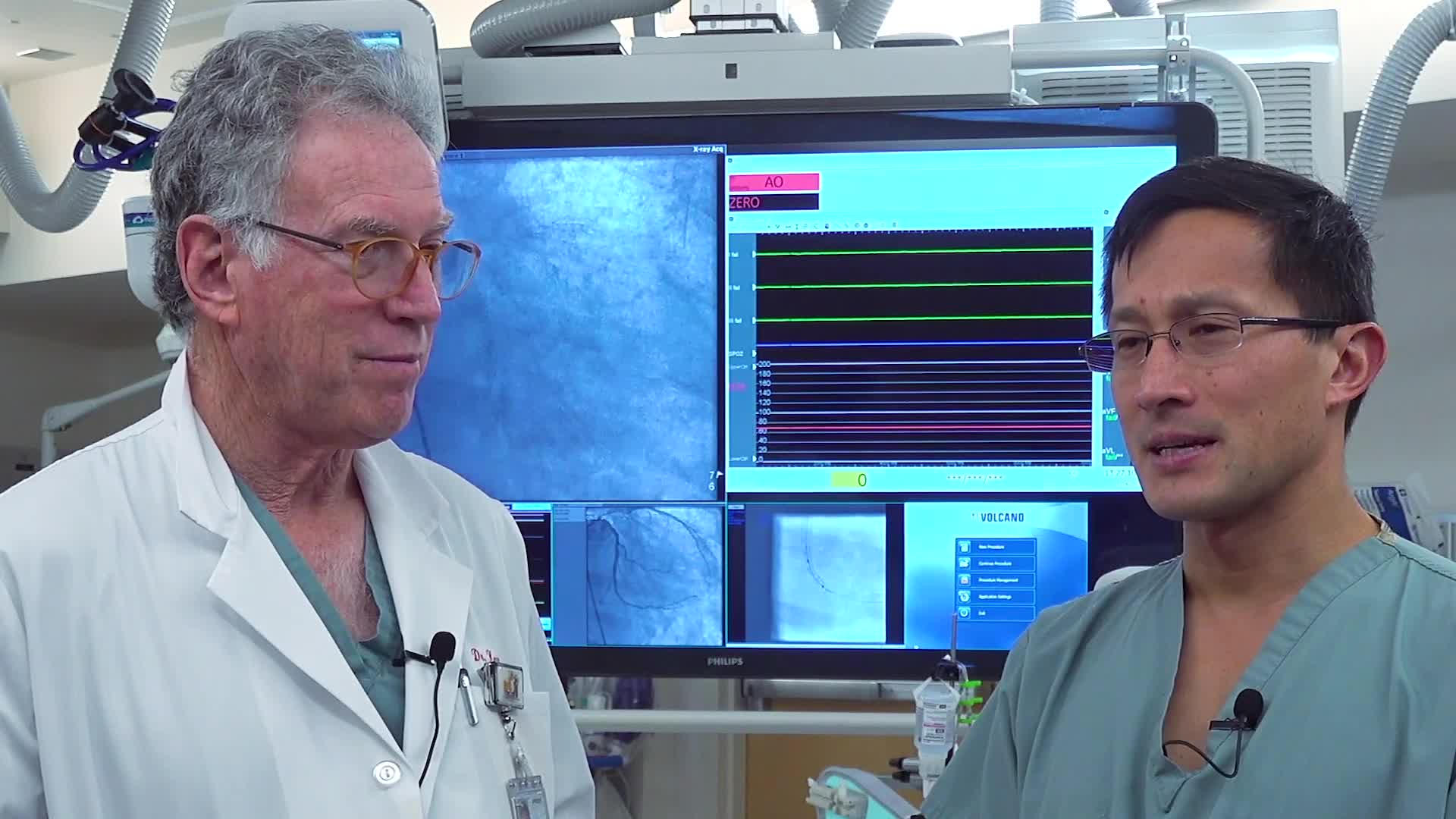
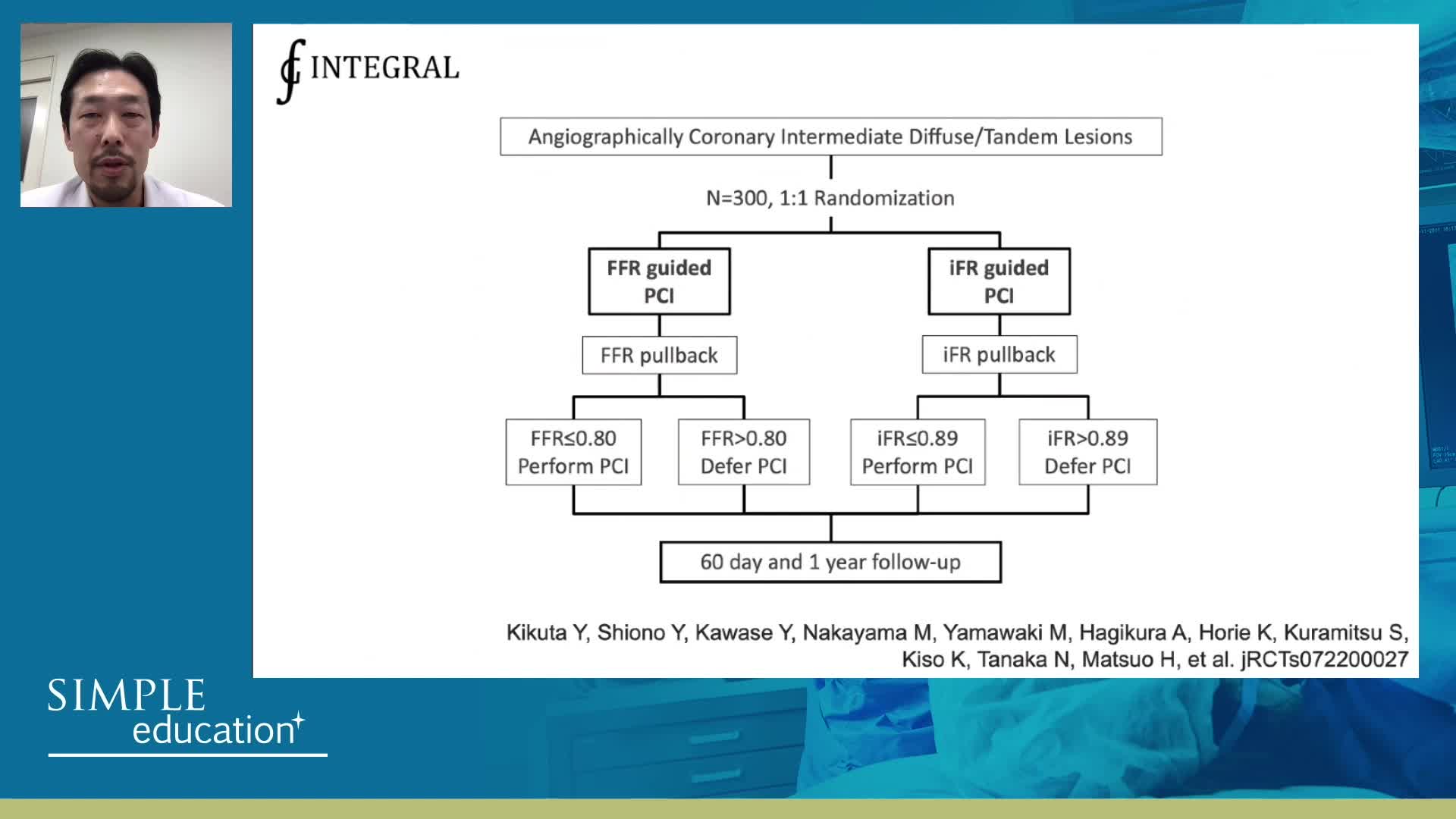
How to perform iFR and FFR, and best-practice measurement tips and tricks - D...
19:48
Understanding how SyncVision differs from other co-registration based technol...
08:01
Welcome and introductions to Advances in Co-registration Course - Dr Justin D...
27:33
How to tackle LMS assessment and treatment using SyncVision Co-Registration -...
  • Co-registration
  • Instantaneous wave-Free Ratio (iFR)
  • Intravascular Ultrasound (IVUS)

How to perform good co-registration measurements using iFR and IVUS - Prof Carlo Di Mario

Share
Comment
74 views
Simple Education
1,233 videos

Simple Education, is a leading provider of coronary physiology and intracoronary imaging courses to aid treatment of complex coronary artery disease.

Join the conversation

to comment
Share

Related videos

    Simple Education

    ABC of how to perform good IVUS measurements? - Prof Jose De La Torre

    Oct 26, 2019
    Philips

    Use of iFR and IVUS Co-registration to simplify PCI decision-making

    Feb 22, 2021
    Simple Education

    Core essentials of understanding iFR Co-registration

    Feb 23, 2021
    Philips

    IVUS Guided Revascularisation Step-by-Step Approach

    Jun 12, 2020
    Simple Education

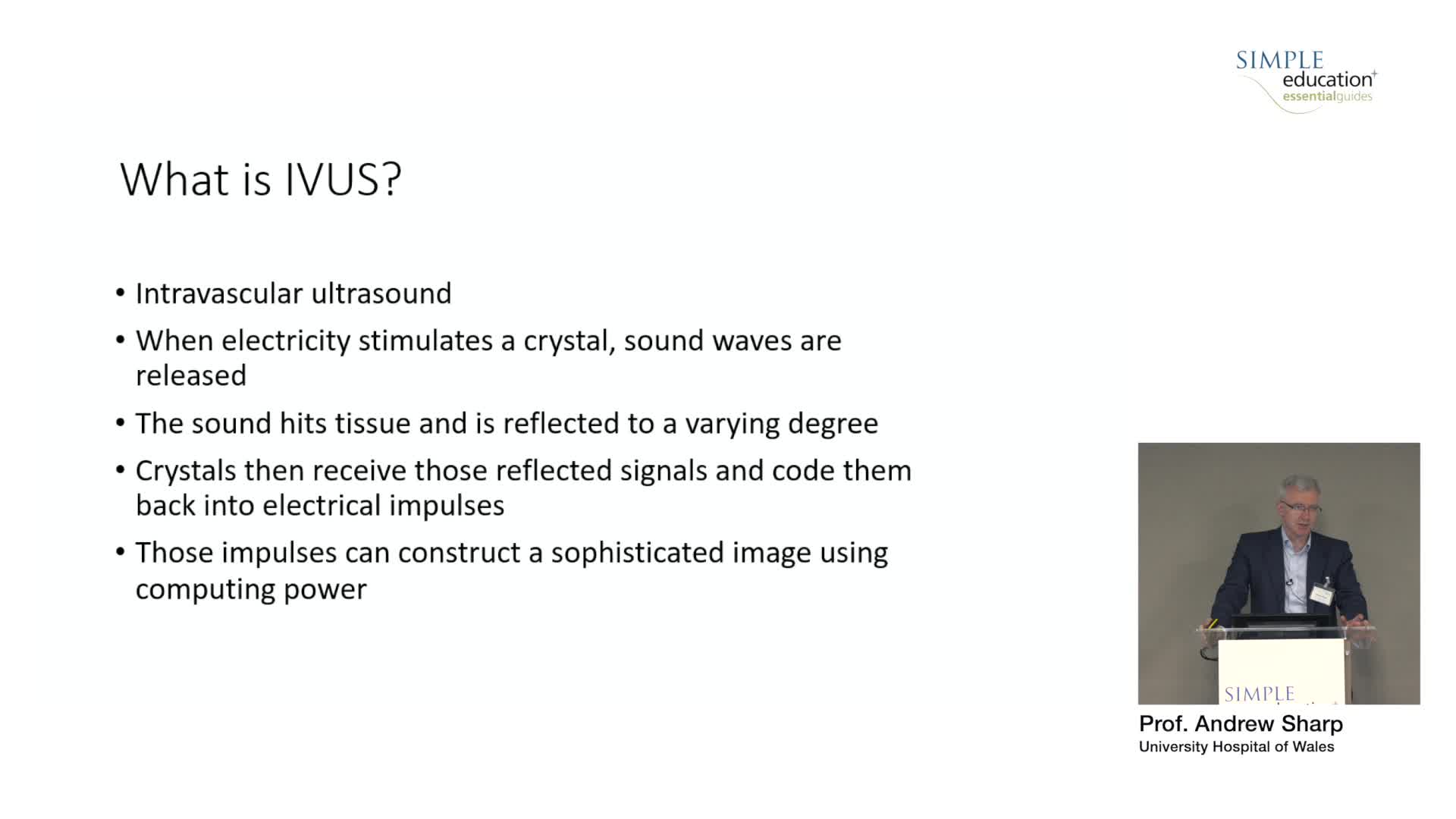
    How does IVUS work? - Prof Andrew Sharp

    Oct 26, 2019
    Simple Education

    Evidence base for IVUS: to support use in routine practice - Prof Erick Schampaert

    Oct 26, 2019

Add to calendar

Your choice is our command

We use necessary cookies to make our site function. We also use non-essential cookies to enhance site navigation, analyse site usage and assist in our marketing efforts.

By clicking “Accept”, you agree to the storing of these non-essential cookies on your device.

You can obtain more information on how we use cookies by clicking 'Learn more and adjust settings' below.

Learn more and adjust settings